
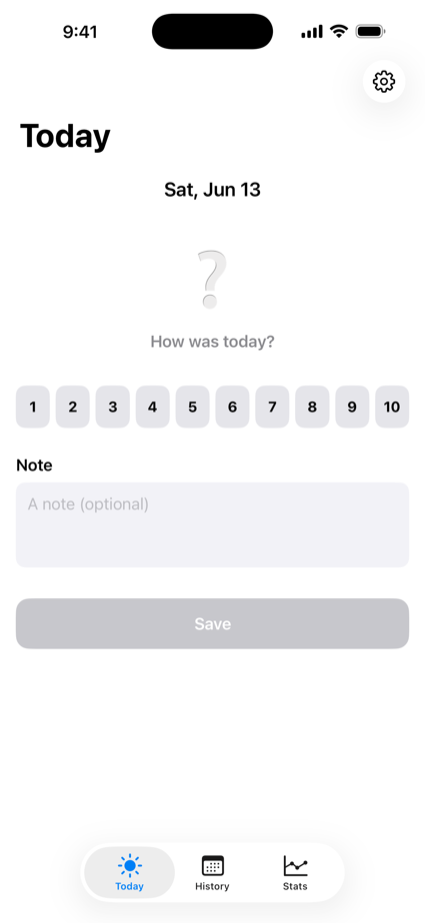
Pick a number from 1 to 10 and add a short note. Monthly history, a calendar heatmap, averages, streaks, and a trend chart show your rhythm without any effort.
Most journalling habits die from the sheer amount of writing. Today asks for one number. Line up a month of them and your own pattern shows up anyway.
The colour and the emoji (rough through great) shift with the score, so the day reads at a glance. Add a one-line note if you feel like it.
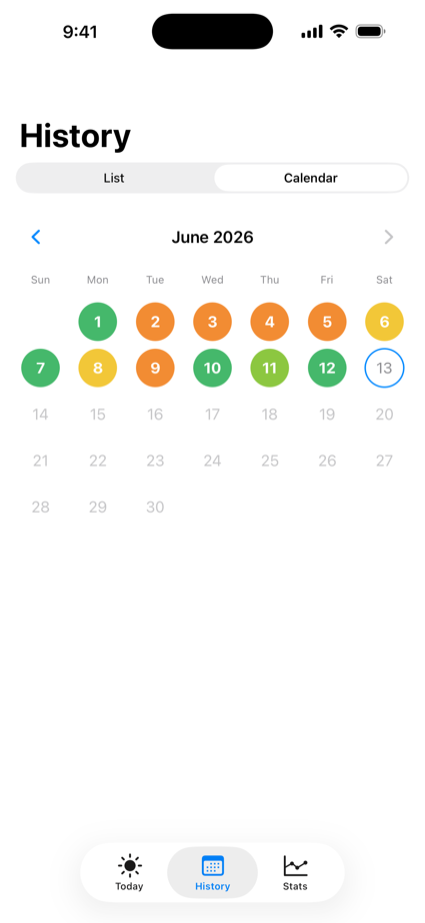
Browse month by month in colour. Switch between list and calendar (heatmap), tap to edit, swipe to delete.
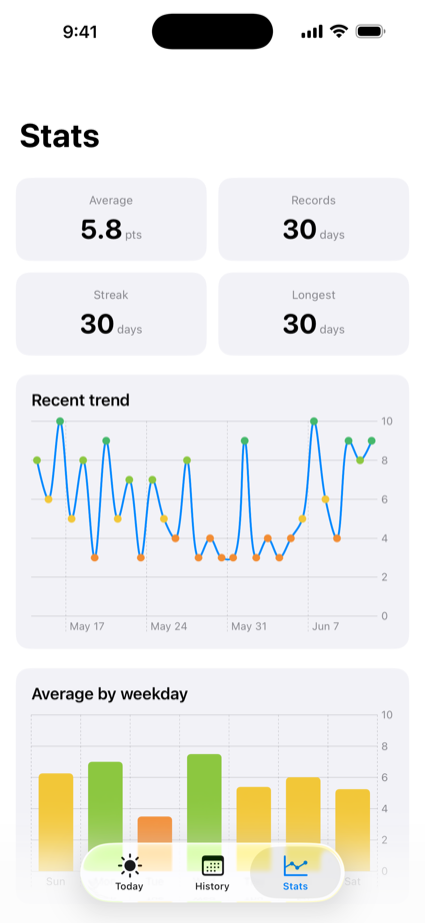
Average score, streak length, and days recorded, plus a trend chart and averages by weekday and by month.
A gentle notification at a time you choose. You can record the day straight from the notification, so nothing gets missed.
Syncs automatically across devices signed in to the same Apple Account. Your history follows you to a new phone.
Light and dark mode plus Dynamic Type. Nothing breaks at larger text sizes.
Three steps, a few seconds a day.
Choose how today felt, from 1 to 10.
One line, if you want. Then tap Record.
History, calendar, and stats make your rhythm visible.
Your data lives on your device and in your own iCloud. The developer cannot see it.
Nothing to sign up for. We never even ask for an email address.
Everything is stored in your own private iCloud database, which the developer cannot read.
No analytics SDK, no advertising SDK, anywhere in the app.
Not signed in to iCloud? Every feature still works with on-device storage.
Reminders are generated on your device. No push notification server is involved.
Delete the app and the on-device data goes with it. Nothing holds you back.
Read the full privacy policy.