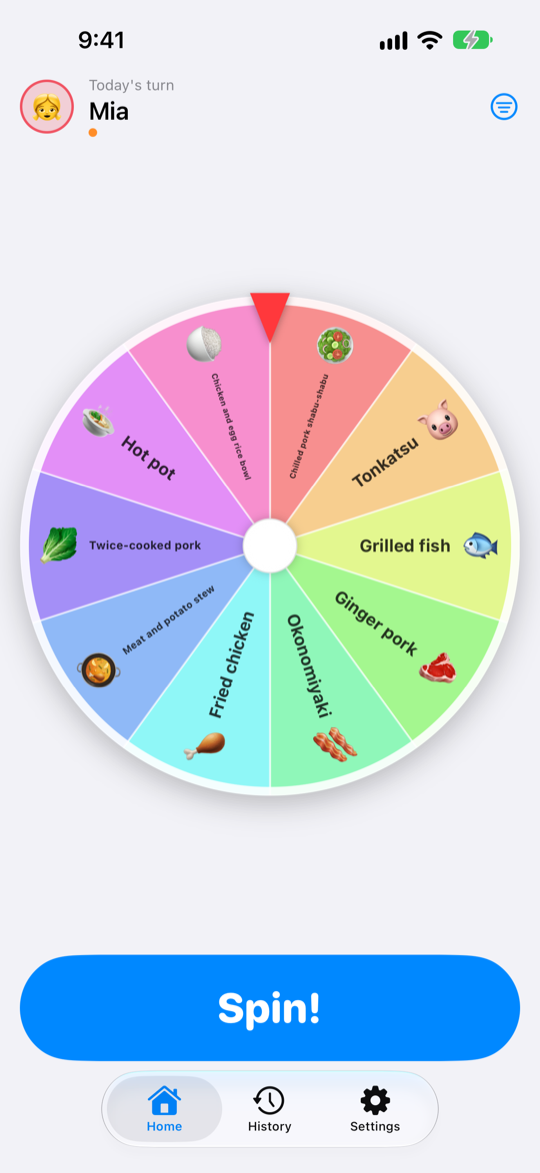
Turn the nightly question into a family event. Tonight it's a child's turn: flick the wheel with a finger, hear it click round, and wherever it stops is dinner.
Planning dinner never stops. Menurette turns just the deciding part into something the family looks forward to. The candidates are picked cleverly behind the scenes, and on the wheel every slice is the same size — where it stops is what you get, so it's fair to the kids too.
The wheel spins as hard as you flick it and slows to a stop, with a click and a tap for every slice it passes. The Spin! button works too.
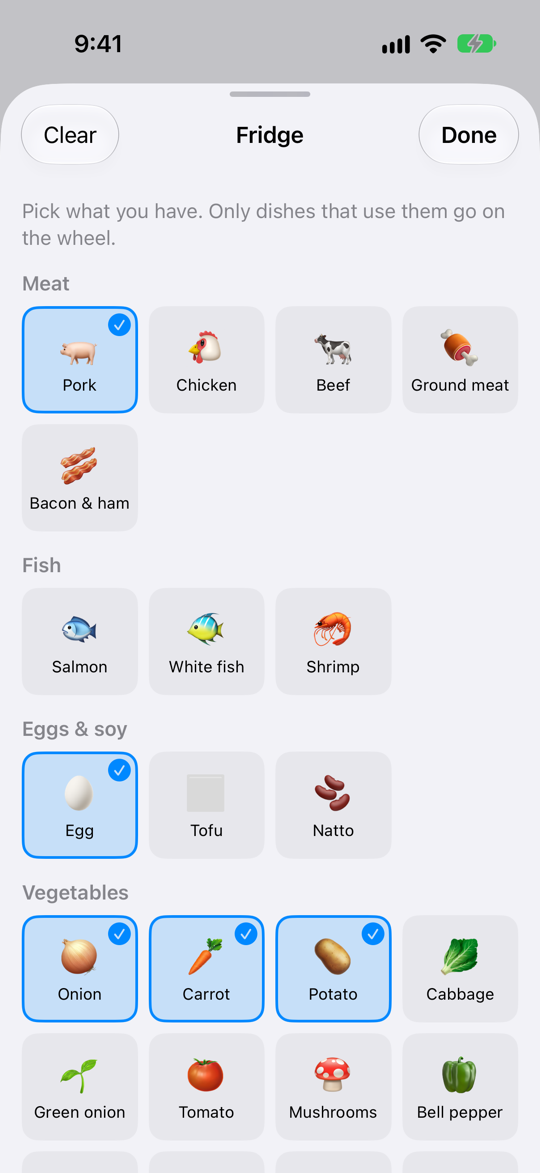
Tap what's in the fridge and only the dishes that use it go on the wheel (when two or more match; with just one match, other dishes fill the rest). A dish with a missing ingredient still counts.
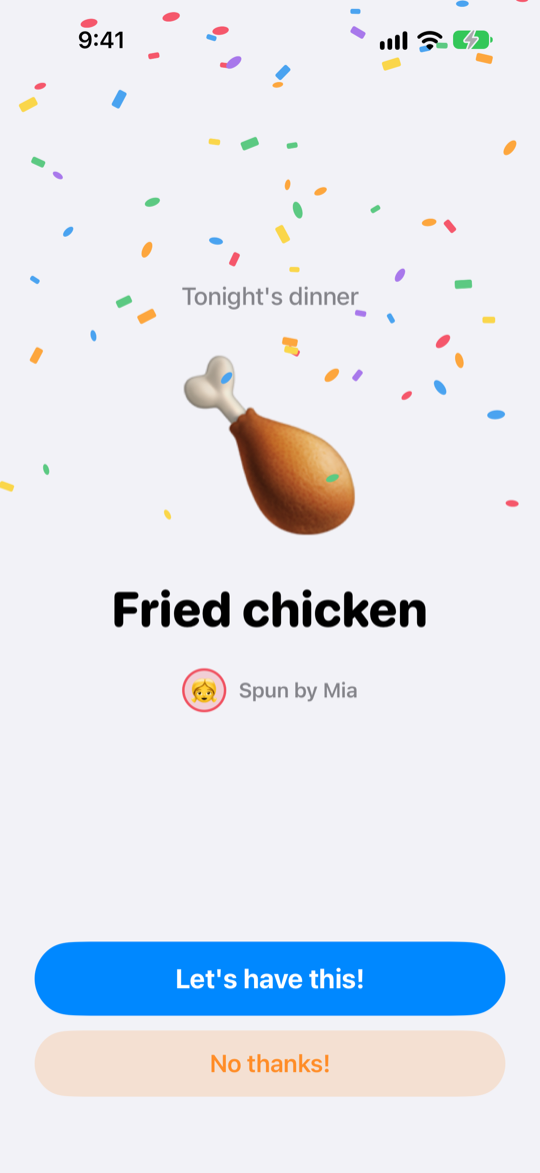
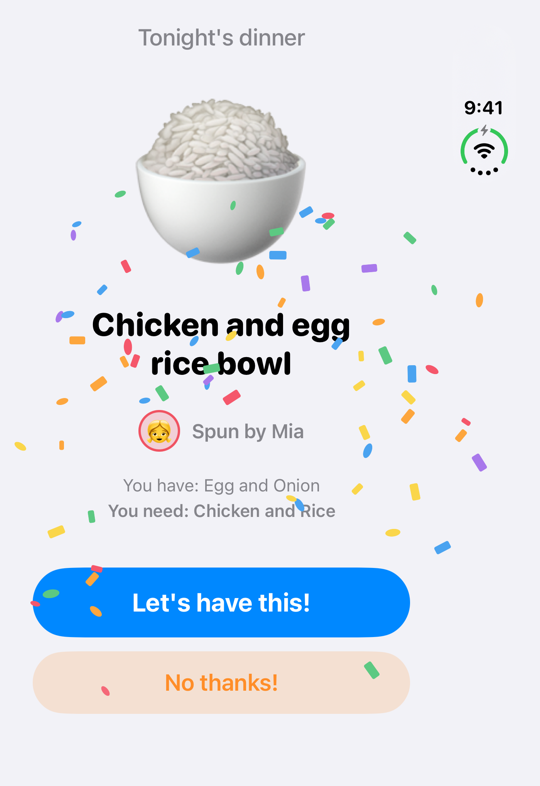
A big emoji and the dish's name, with confetti and a fanfare. Tap Let's have this! and it goes into History and the turn moves on.
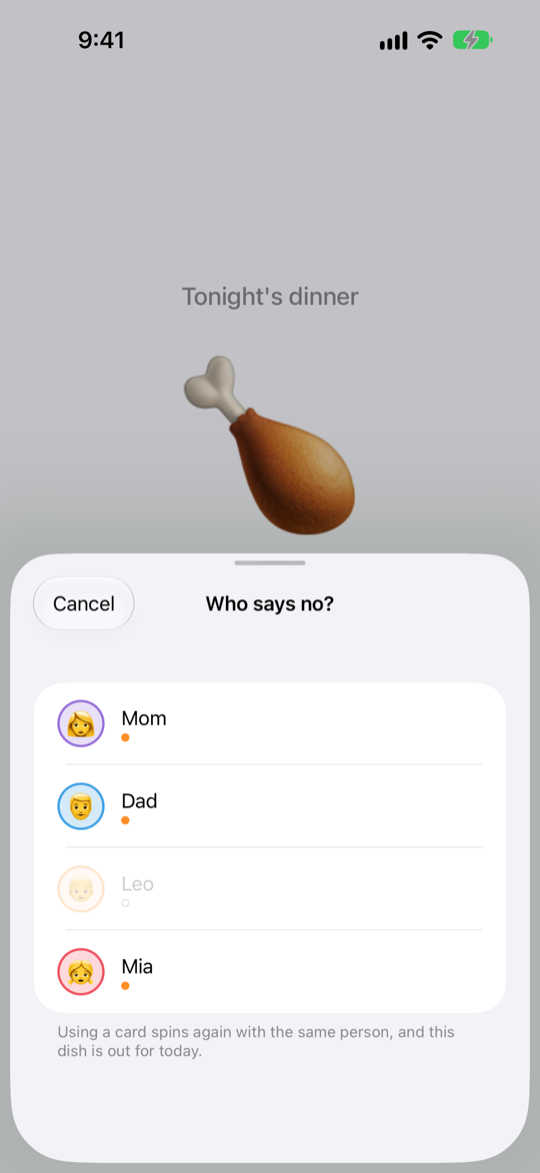
Really don't fancy it? Play a No thanks! card and spin again. Everyone gets a few a week (three to start with, back every Monday), and the dish turned down stays off the wheel for the rest of the day.
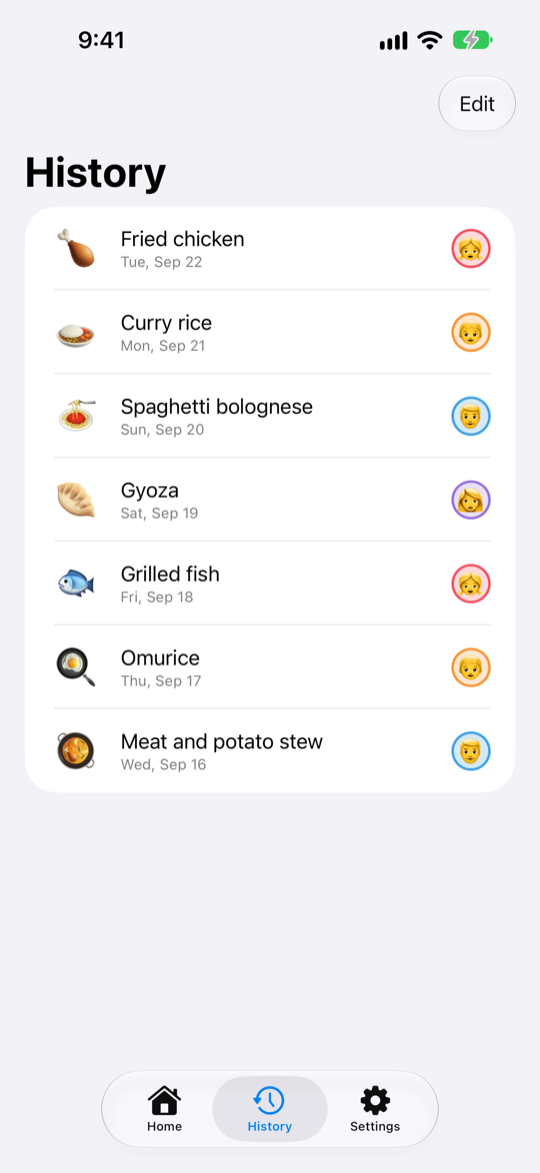
History keeps the date, the dish and who spun. It also feeds the draw, so what you had recently comes up less often.
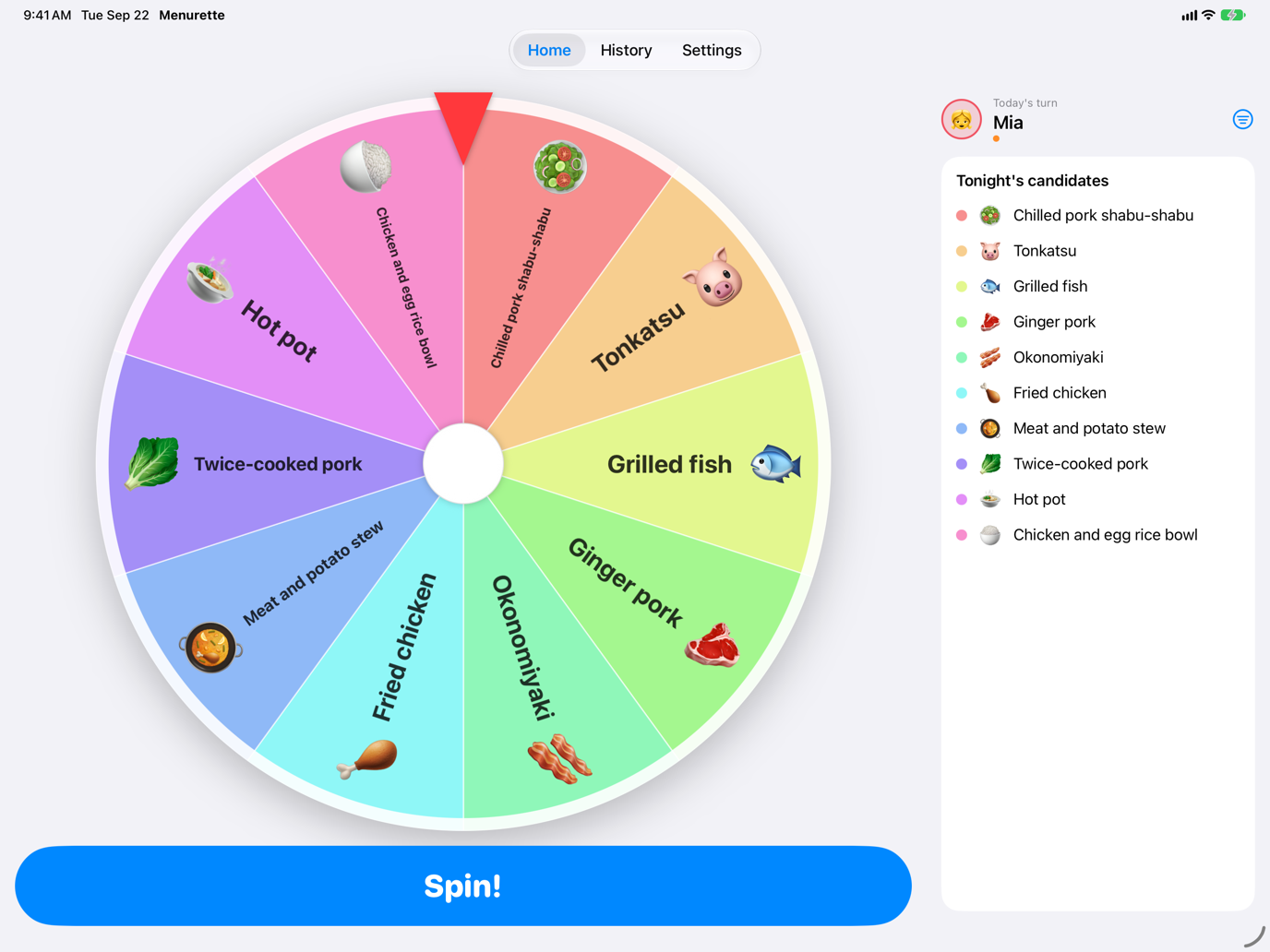
Turn the iPad sideways and the wheel sits on the left, with whose turn it is and tonight's candidates on the right. Stand it on the table and gather round.
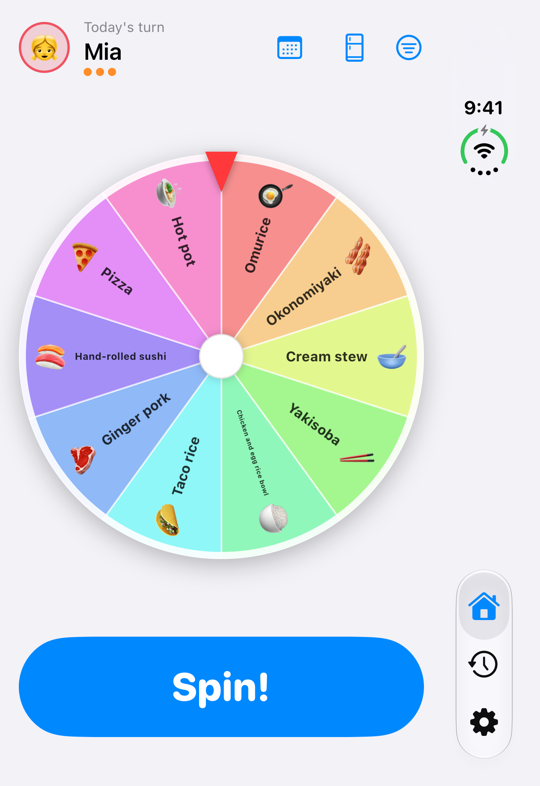
Menurette fills the large inner display of iPhone Duo. The wheel opens out across the screen, and the result shows big.
Recent dinners, and dishes sharing yesterday's cuisine or main ingredient, come up less often; family favourites come up more. The weighting only decides what goes on the wheel — on the wheel, every slice is the same size.
Spin only Japanese, Western or Chinese dishes, only meat or fish, or only quick meals. Set it before you spin.
Curry rice, hamburg steak, fried chicken, gyoza, hand-rolled sushi and more staples of Japanese home cooking. Add, edit or remove whatever you like.
Mark whose favourite each dish is. The more fans a dish has, the more likely it lands on the wheel.
The sound effects stay quiet when your phone is on silent, and sounds and haptics can be turned off. Reduce Motion is supported too.
One purchase. No in-app purchases, no ads.
Pay oncethe App Store shows your local price
Not a subscription. Works on the iPhones and iPads signed in to the same Apple Account.
Setting up takes about a minute.
A name, an avatar and a colour for everyone. Their order is the turn order.
Whoever's turn it is flicks the wheel. Where it stops is dinner.
Let's have this! makes it official. Or play a No thanks! card and spin again.
Dishes, names and history are stored on your device and in your own iCloud, and nowhere else. The developer can't see any of it.
Nothing to sign up for or sign in to. We don't even ask for an email address.
The app never talks to a server of ours. Everything works in airplane mode.
Devices on the same Apple ID stay in sync. Turn it off in Settings and everything stays on the device.
No analytics SDKs and no advertising SDKs, of any kind.
No access to the camera, photos, location or anything else, and no notification prompts.
However the kids tap, the app never sends them anywhere else.
See the privacy policy for details.