
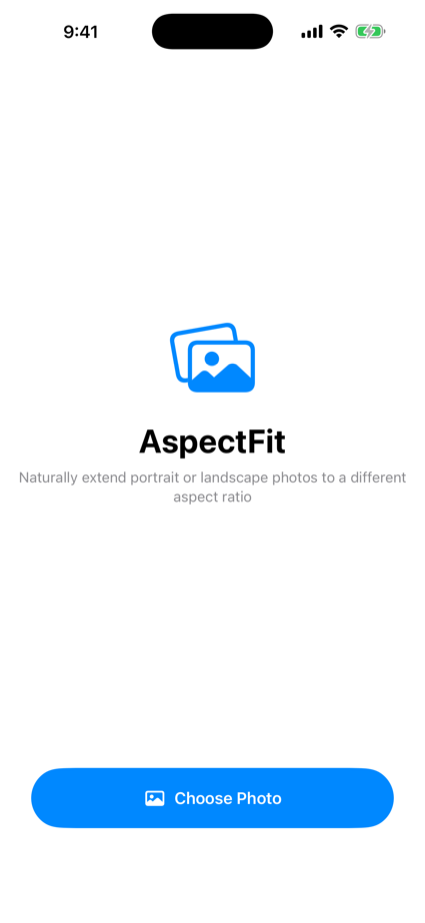
Reshape a photo to the aspect ratio you need without cropping it or padding it with black. The new space is filled with a background generated from the photo itself, so it fits wallpapers and social posts naturally.
When the ratio doesn't match, you normally crop the edges or add black bars. AspectFit extends the outside instead, using a background built from the photo you already have. The photo itself is never touched.
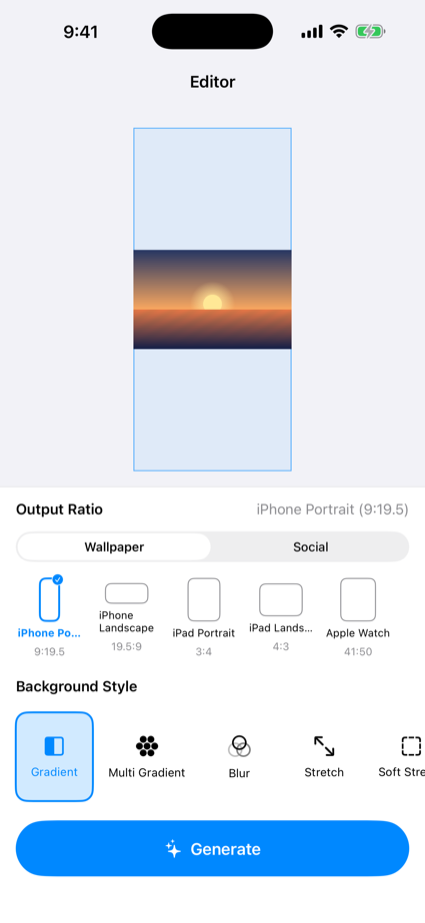
Wallpaper ratios (iPhone, iPad, Apple Watch) and social ratios (story/reel, square, portrait, wide) are one tap away.
Gradient, multi-gradient, blur, stretch, blur-stretch, or solid colour. Every one is generated from your photo, so the seam disappears.
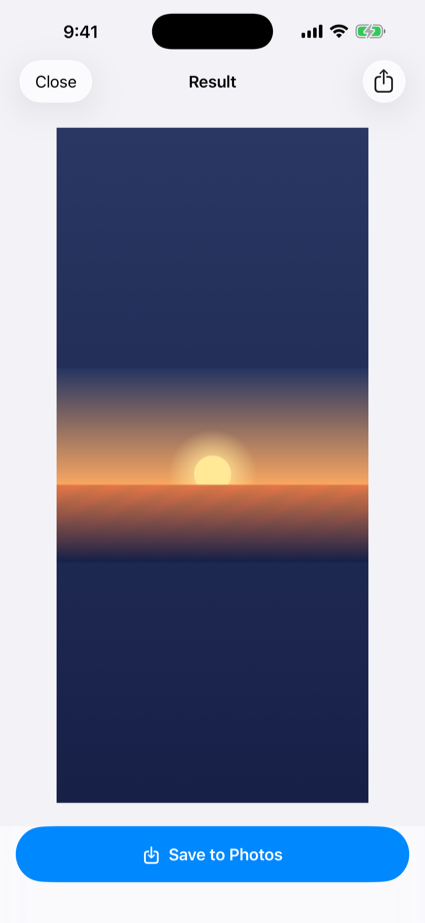
Save the finished image to Photos, or send it anywhere through the standard share sheet.
Light and dark mode plus Dynamic Type. Nothing breaks at larger text sizes.
All processing happens on your device. No account, no ads, nothing sent anywhere.
You decide what stays in frame. Nothing is locked to the centre.
Three steps to the ratio you need.
Choose one image from the iOS photo picker.
Select the aspect ratio and background style, then drag to position.
Save to Photos, or share it straight from the share sheet.
Everything is processed on your device. There is nowhere for it to be sent.
All image processing happens on your device. Your photos are never uploaded.
Nothing to sign up for. We never even ask for an email address.
There is no endpoint to talk to. Every feature works offline.
No analytics SDK, no advertising SDK, anywhere in the app.
Only the single image you pick is read. The app never scans your library.
Save to Photos or share it onward — the choice is yours.
Read the full privacy policy.